How to Play Spider Solitaire
Spider Solitaire uses two decks and ten columns. You win by assembling eight same-suit King-to-Ace runs. This illustrated guide is for free play on SpiderImp—no download required.
How do you start a game?
Spider uses two decks (104 cards) dealt into ten columns. At the start, 54 cards fill the tableau (some columns get six cards, others five); the face-up card is on top of each column. The rest stay in the Deal stock (top-left). When you uncover a face-down card, it flips face-up automatically.

Pick 1 suit, 2 suits, or 4 suits, then Play for a random deal or Daily Challenge for today’s shared puzzle. See the difficulty comparison and Daily Challenge guide.
How do you move cards?
- Place a card on the next-higher rank (suit does not matter for a single card).
- Only a same-suit descending stack moves together as a group.
- An empty column accepts any card or valid same-suit run—guard empties; they are powerful.
- Drag with the mouse, or click the source card then click the target column. On touch devices, tap or drag.
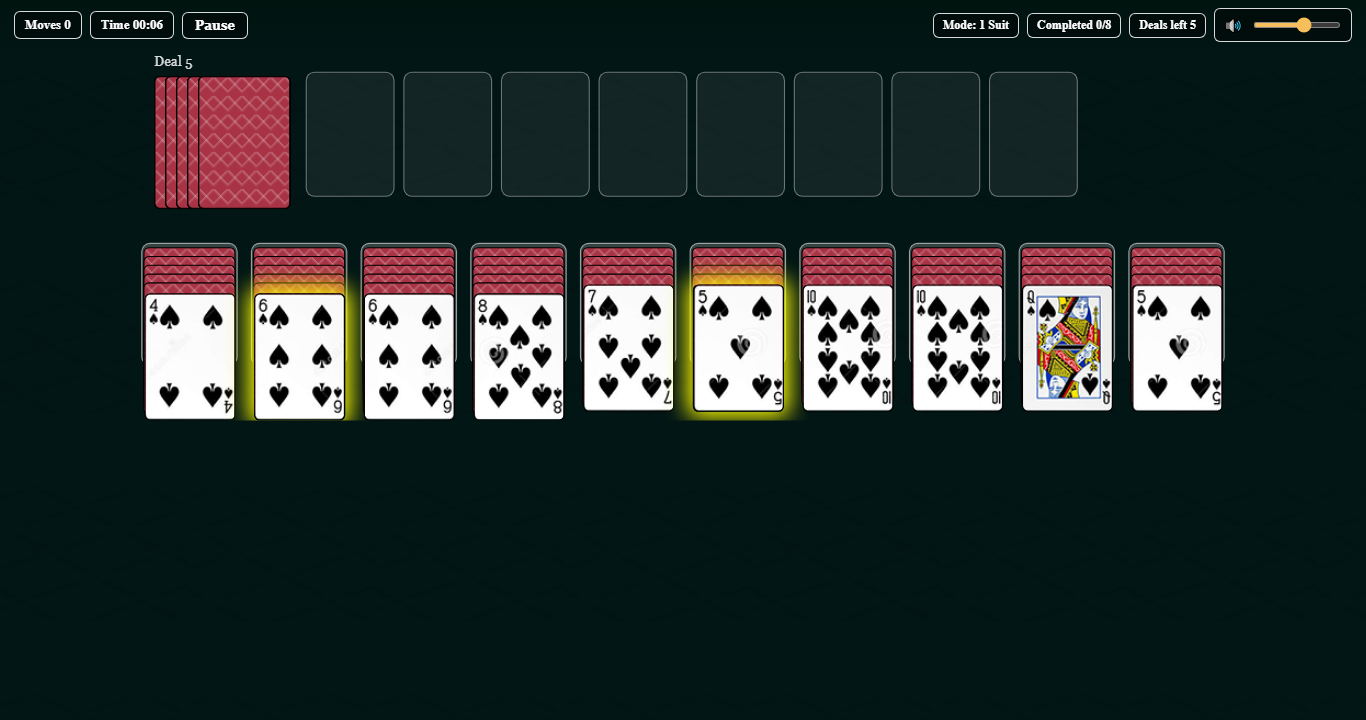
Goal: assemble eight King → Ace sequences of the same suit. Each finished run moves to the Completed area at the top.
Why can’t I deal yet?
When every column has at least one card, click the Deal pile to deal one card onto each of the ten columns. You cannot deal while any column is empty— fill empties first. Avoid dealing until you have no useful tableau moves. Full explanation: empty-column dealing rule.
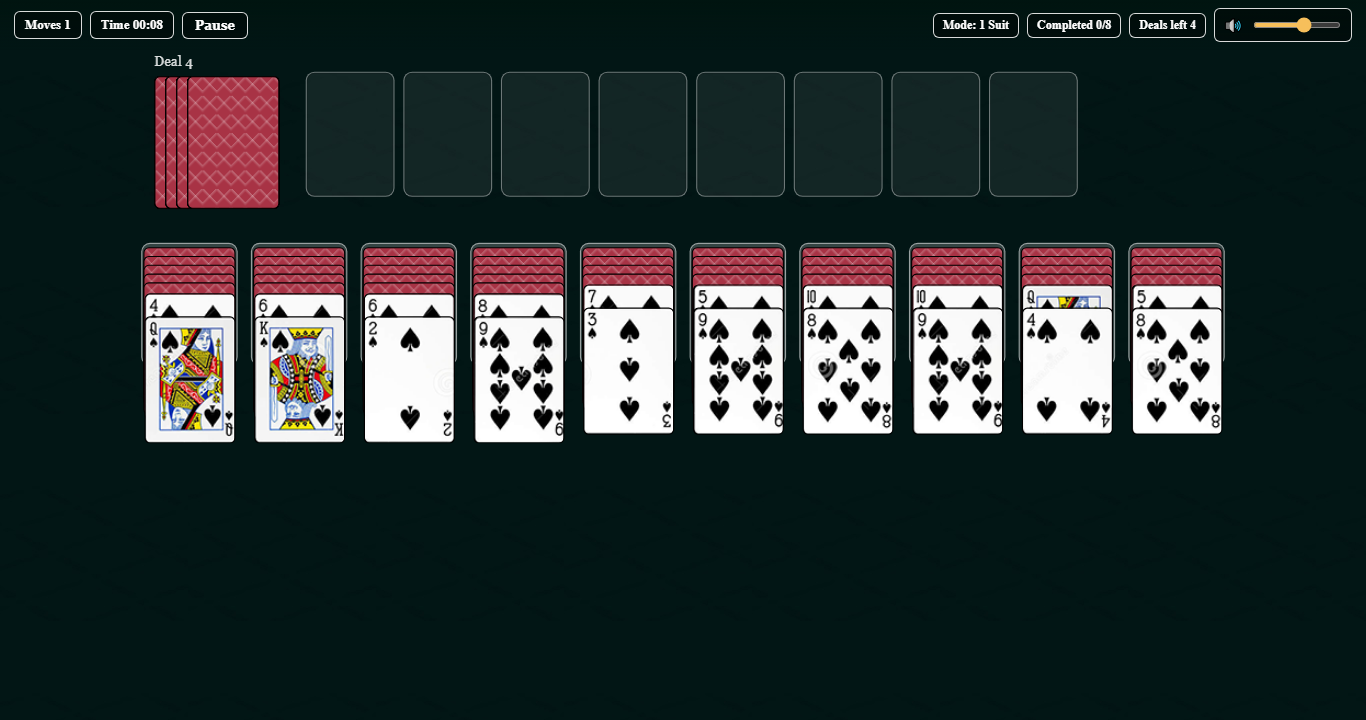
How to play Spider Solitaire with cards
Online SpiderImp follows the same rules as a physical two-deck setup. Shuffle 104 cards, deal ten columns (54 cards on the tableau, rest as stock), and build same-suit descending stacks King to Ace. Only same-suit runs move as a group; empty columns accept any card. When every column has a card, deal one card onto each column from the stock. Clear eight complete runs to win. Practice the digital version first on 2 suits, then try the same tactics with real cards.
How do you win, and how is scoring counted?
Clear all eight runs to win. SpiderImp ranks finishes by moves first (fewer is better), then by time—see scoring on SpiderImp. Use Undo, Hint, Pause (P), and Restart from the controls. Unfinished games can be resumed from the main menu. Scores and stats stay in your browser (local storage)—see Privacy.
Shortcuts: Z Undo · H Hint · D / Space Deal · P Pause · Esc close panels. The top bar Pause button freezes the timer.